Update the firmware
draft instructionsFor each cat the tower
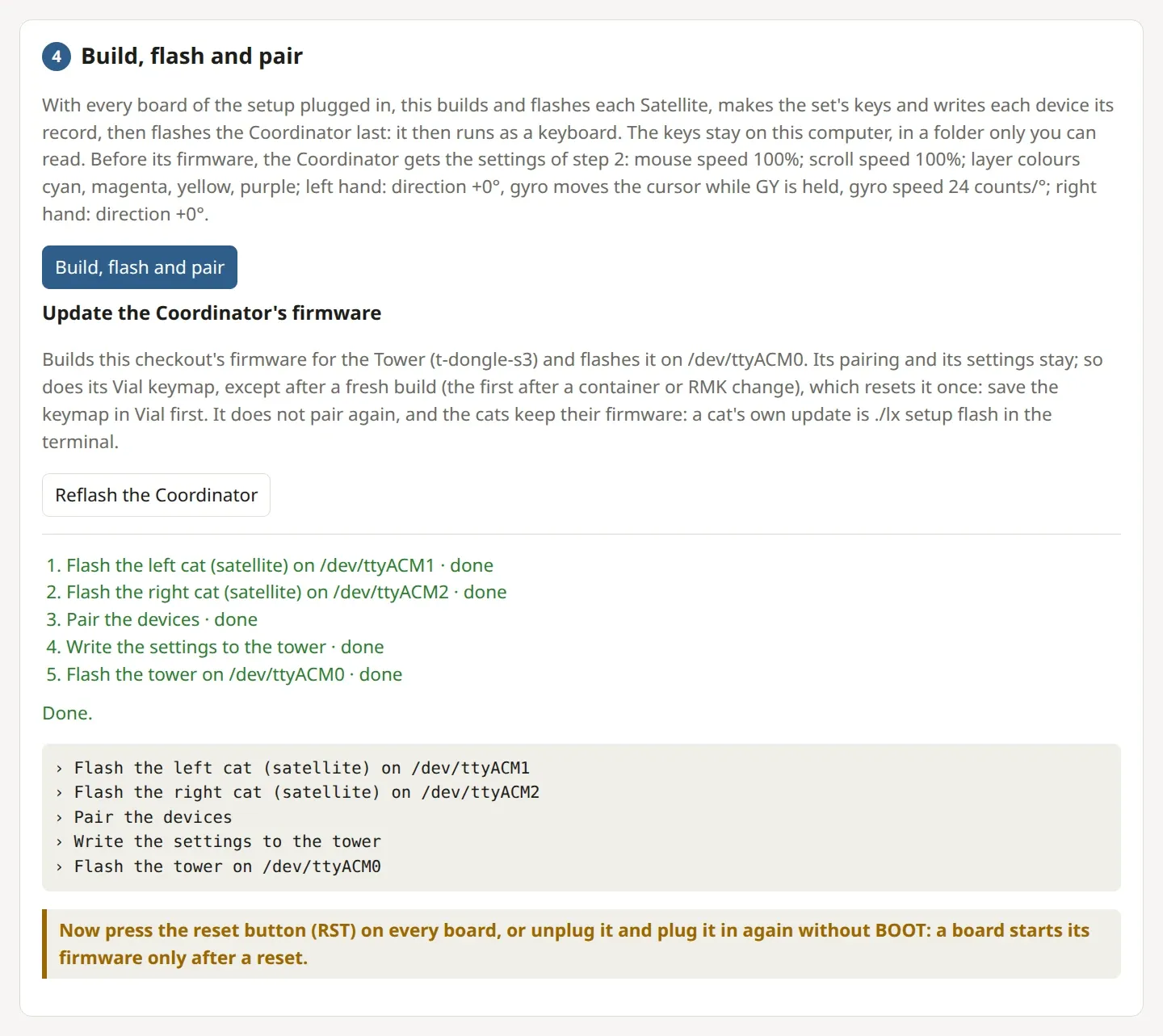
A fresh build (the first after a container or RMK update) resets the Coordinator's Vial keymap once, at its first start: save your keymap in Vial before you update.
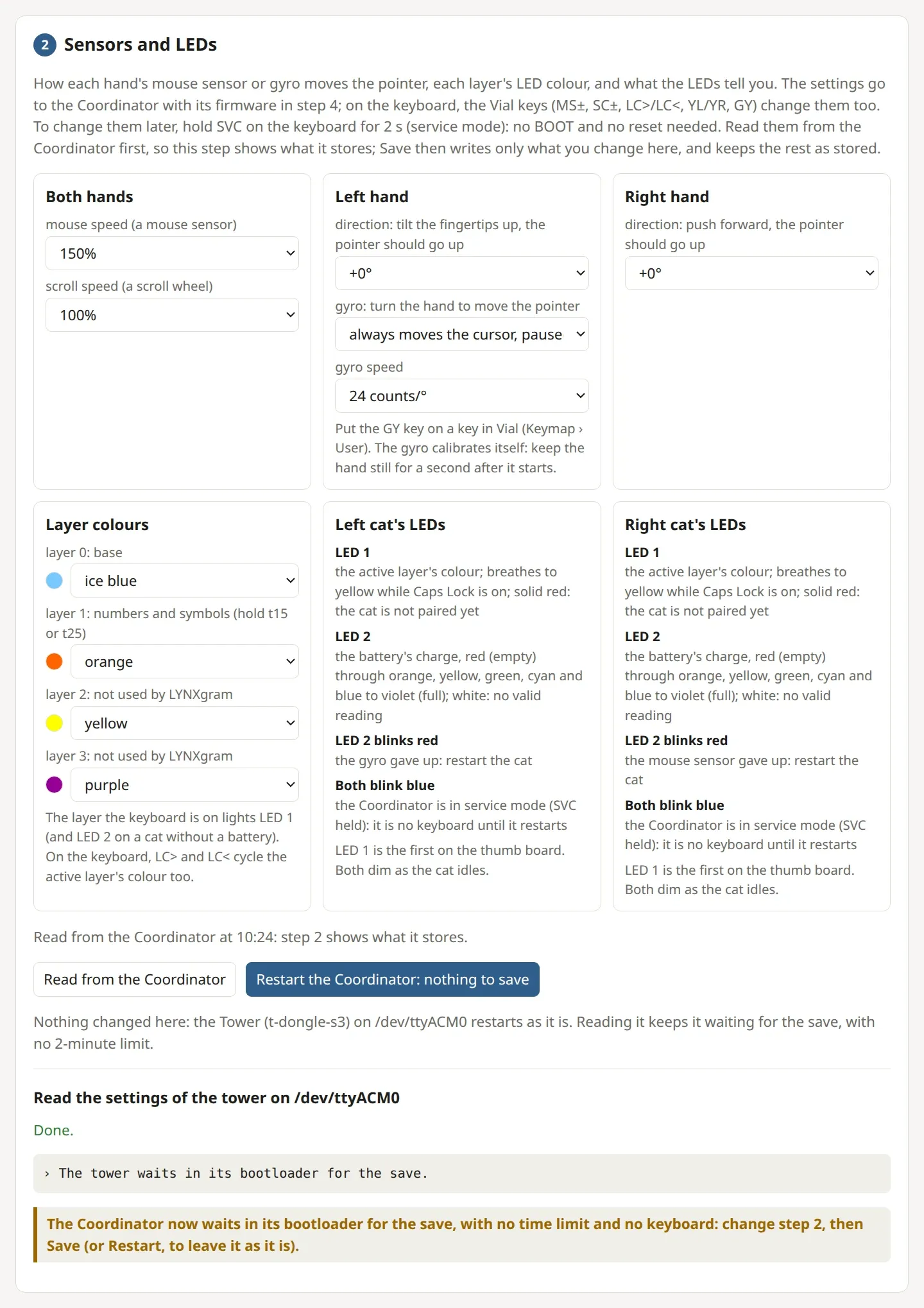
To take a newer LYNX, update your copy with git pull and start the setup page. Hold the Coordinator's SVC key for 2 s, then click step 4's Reflash the Coordinator: it builds and flashes the Coordinator alone, which keeps its pairing and its settings. Flash each cat the same way from the terminal, with the setup file you saved, its side and its port. Devices on different firmware may not understand each other, so update all of them together.
git pull
./lx setup ui
./lx setup flash <setup file> <left or right> <cat's port>
How you know it worked: Each cat pairs again (no LED 1 solid red), and the Coordinator types.
Something doesn't match
The cats stay unpaired after an update: the update may have changed how the devices talk: flash every device, or run step 4's Build, flash and pair, which also pairs them again.